Software / Emulate3D

Emulate3D: Digital Twin Software for Industrial Automation
Create a dynamic digital twin of machines, production lines, and logistics systems. With 3D simulation and virtual commissioning, your team can test layouts, material flows, and control logic before physical installation — reducing risk, rework, and startup time.
ABOUT EMULATE3D
Emulate3D, from Rockwell Automation, is digital twin, 3D simulation, and virtual commissioning software designed to support the design, analysis, and validation of industrial automation systems.
The software replicates equipment, material flows, and physical behavior in a dynamic virtual environment. This enables engineering teams to evaluate system operation, compare alternatives, and resolve issues before construction or deployment.
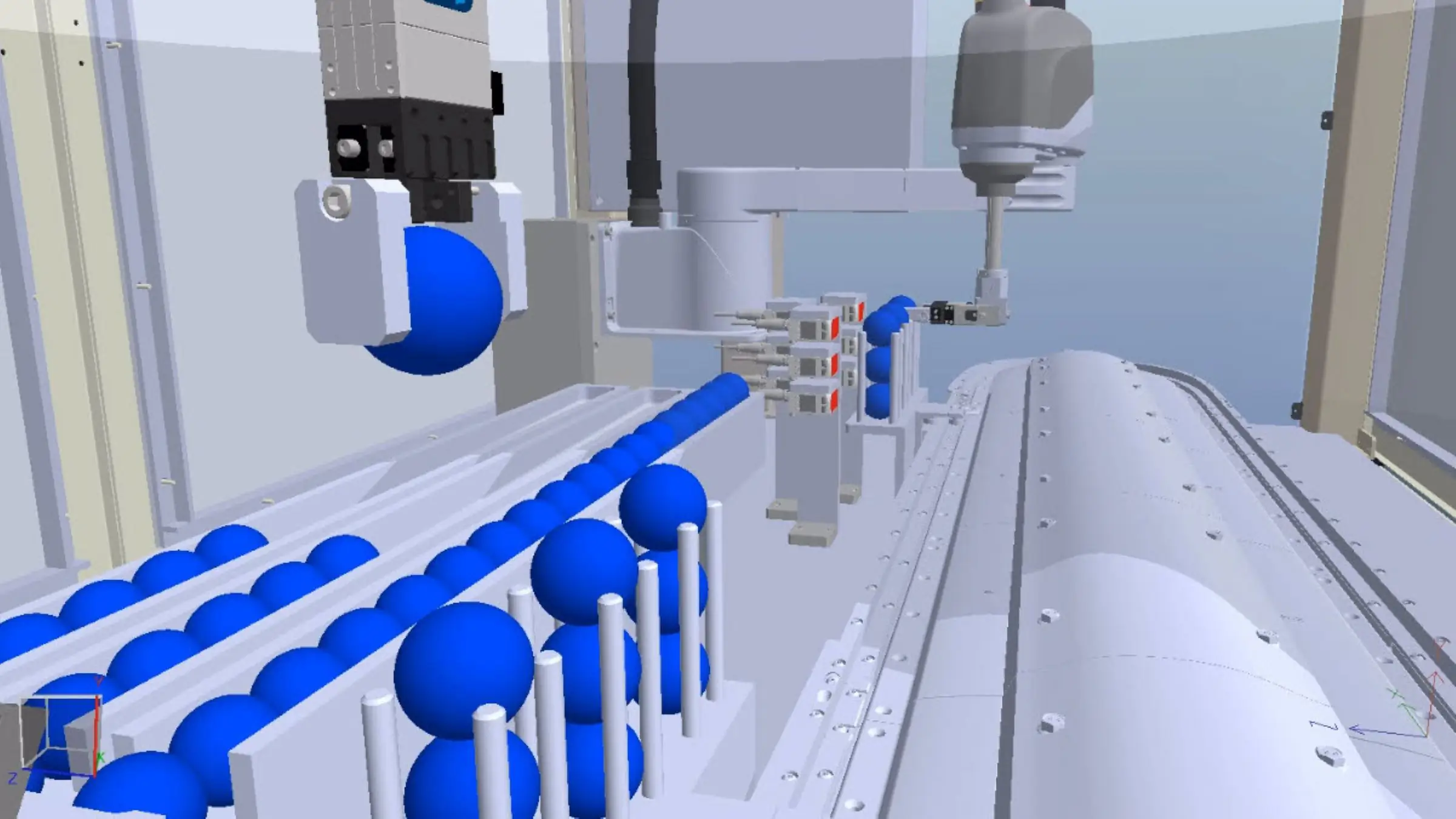
Using catalog components and CAD file imports, teams can build models of machines, production lines, robotic cells, and intralogistics systems. Sensors, motors, conveyors, and mechanisms replicate the interactions required for more realistic design analysis.
During virtual commissioning, the digital model is connected to compatible physical or emulated controllers. PLC logic interacts with the virtual equipment, enabling teams to test sequences, signals, responses, and fault conditions before on-site commissioning.
Greater predictability when making decisions, designing automation systems, and bringing them into operation.
Virtual Commissioning with Emulate3D: Test Before Installation
Waiting until physical assembly to test automation systems makes corrective work more complex and may jeopardize project schedules. With Emulate3D, mechanical engineering, automation, and operations teams can evaluate system behavior during development.
What Can Be Tested in a Digital Twin?
- Operating sequences and signal exchange between sensors, actuators, PLCs, and other controllers.
- Startup, shutdown, interlock, lockout, and fault recovery conditions.
- Interactions between machines, robots, conveyors, and material handling systems.
- Control logic responses to different products, operating rates, and conditions.
Scenarios can be rerun after each change to the model or code, facilitating regression testing and verification of automation requirements.
01
Model
Build the 3D model using CAD data, components, and equipment behavior.
02
Simulate
Compare layouts, flows, capacities, and operating conditions.
03
Connect
Link virtual sensors and actuators to compatible PLCs and control systems.
04
Validate
Run tests, debug automation logic, and refine the design.
Emulate3D Applications in Industry and Logistics
Emulate3D supports machine builders, system integrators, and companies looking to design, expand, or modernize automated operations with reduced risk.
Manufacturing and Production Lines
Model workstations, machines, and conveyors to analyze material flow, size production lines, and test control logic.
Warehousing and Intralogistics
Simulate conveyors, storage and retrieval systems, order picking, and automated material handling to evaluate capacity and operating rules.
Food, Beverage, and Packaging
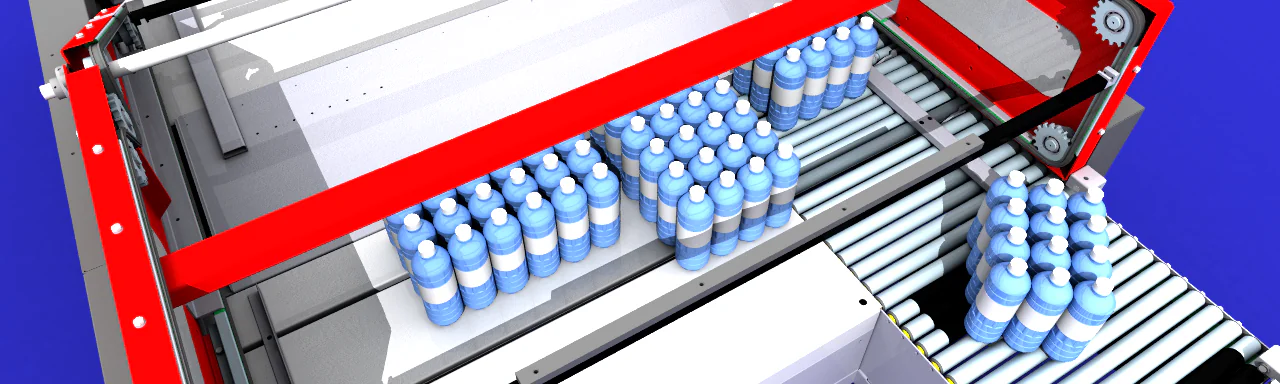
Analyze packaging, bottling, and palletizing lines by testing synchronization, accumulation, and various production conditions.
Automotive and Robotic Cells
Analyze assembly cells and material handling systems to validate interactions between robots, machines, devices, and compatible control systems.
Airports and Baggage Handling Systems
Build baggage conveying and sorting models to investigate flows, accumulation, and control strategies before modifying infrastructure.
Machine and Equipment Manufacturers
Reuse CAD data to represent mechanisms and motion, validate new designs, and demonstrate how the solution operates to customers.
Benefits of Emulate3D for Automation Projects
By integrating mechanical design, material flow, and control logic within a single virtual environment, Emulate3D helps reduce uncertainty and enables faster, better-informed engineering decisions.
1
Reduced Rework and Risk
Identify sequencing, integration, and system behavior issues before assembly. Refining the model and code at this stage reduces the need for late-stage on-site corrections.
2
More Predictable Commissioning
Validate control logic earlier through repeatable testing. Teams approach physical installation with a clearer understanding of expected system behavior.
3
Capacity and Bottleneck Analysis
Compare layouts, accumulation, operating rates, and flows to understand how different equipment configurations affect operational performance.
4
Testing Without Disrupting Production
Evaluate expansions, new products, layout modifications, or changes to control logic before implementing them in the production environment.
5
Virtual Operator Training
Use the digital twin as a safe environment to familiarize operators with the system, practice procedures, and train them to respond to normal operating and fault conditions.
6
Clear Communication Across Teams
Present the automated system in 3D and facilitate collaborative analysis among customers, managers, operations personnel, and engineering teams.
Key Features of Emulate3D Software
3D Modeling and CAD Import
Create models using parametric components, customizable catalogs, and geometry reused from machine and equipment designs.
Flow and Mechanism Simulation
Represent discrete events, motion, sensors, and physical interactions to analyze automated system behavior.
PLC and Control System Integration
Connect the model to compatible physical or emulated controllers to test and debug automation logic.
Experimentation and Results Analysis
Vary parameters, compare scenarios, and monitor performance indicators to support decisions on layout, capacity, and operations.
Automated Testing and Fault Scenarios
Use Test Runner and other tools to repeat tests and verify how control systems respond to engineering-defined scenarios.
Visualization, Training, and Collaboration
Generate images and videos, interact with the 3D model, and explore compatible virtual and augmented reality capabilities.
Available features vary depending on the edition and licensed integrations. PARAGON can help you select the appropriate license based on your project objectives.
3D Object Library for Faster Modeling
Emulate3D provides an extensive library of objects and industrial equipment catalogs for modeling factories, warehouses, and automated systems. Reusable components accelerate digital twin development without the need to build every element from scratch.
- Industrial and collaborative robots: models from various manufacturers, tooling, and grippers to represent assembly, handling, and palletizing cells.
- Intralogistics and material handling: model operations involving forklifts, AGVs, AMRs, conveyors, and storage systems to evaluate material flow.
- Automation components: sensors, actuators, mechanisms, loads, and pallets to configure equipment behavior.
- Customizable catalogs: adjust parameters, reuse components across projects, and create custom libraries from equipment and CAD data.
Integration with PLCs from Multiple Manufacturers
In addition to its 3D objects, Emulate3D provides connectors for controllers from manufacturers such as Allen-Bradley, Siemens, Mitsubishi, Beckhoff, Omron, and Schneider Electric. This connectivity enables PLC logic to be tested in conjunction with the virtual model.
The availability of catalogs, robot models, and connections depends on the software version, license, and supported protocols. Contact PARAGON to verify your project requirements.
Compare Emulate3D Editions
The right license depends on the application objectives: creating 3D layouts, demonstrating system operation, simulating performance, or virtually commissioning control systems.
Edition
Primary Use
Capabilities
Layout
Layout development
Create 3D models using catalogs and CAD data, arrange equipment, and present static layouts.
Demonstrator
Dynamic demonstration
Build and run models to visualize motion, mechanisms, and system operation.
Simulator
Performance analysis
Conduct experiments, analyze data, and customize model logic to compare scenarios.
Ultimate
Virtual commissioning
Combine simulation with PLC connectivity and capabilities for emulation, integration, and control testing.
Runtime
Execution of existing models
Open, run, and interact with models created in other editions. Emulation depends on the conditions of the source model.
Academic
Education and research
Use modeling, simulation, and emulation capabilities for academic activities, subject to the restrictions of this license.
This is an overview of the editions and their key features. To specify your Emulate3D license, confirm the required connectors, integrations, and terms of use with PARAGON.
See Your Project’s Digital Twin Before Deployment
Request an Emulate3D demonstration and discover how 3D simulation and virtual commissioning can support your system.
Frequently Asked Questions About Emulate3D
Emulate3D is digital twin software from Rockwell Automation used for 3D modeling and simulation of industrial systems. It enables teams to analyze designs, test control systems through virtual commissioning, evaluate flows, and support operator training before physical deployment.
Simulation evaluates system behavior and performance based on model rules. In virtual commissioning, the digital twin also interacts with control logic running on compatible controllers, enabling teams to verify automation responses before physical installation.
Yes. Emulate3D provides CAD import capabilities and tools for assigning motion, sensors, mechanisms, and other behaviors to components. Supported formats should be confirmed according to the workflow and software edition used.
Yes. Emulation capabilities allow the model to connect to compatible physical and emulated controllers. Integration requirements should take into account the PLC model, protocol, software version, and selected license.
Not always. Parametric catalogs and visual tools streamline model development. Specific behaviors can be configured using QuickLogic and, in compatible editions, through scripting. Programming requirements vary depending on the complexity of the system and tests.
Yes. A digital twin that accurately represents the operation can support the evaluation of new layouts, equipment, products, and control strategies without disrupting production. To obtain reliable results, model data and assumptions must adequately represent the system being analyzed.
Start with your desired outcome: layout visualization, 3D demonstration, capacity analysis, or virtual commissioning. Contact PARAGON to evaluate the edition, connectors, and integrations best suited to your project.
Bring Emulate3D to Your Industrial Automation Project
Speak with a PARAGON specialist to discover how Emulate3D can support the design, simulation, and virtual commissioning of your automated systems.
